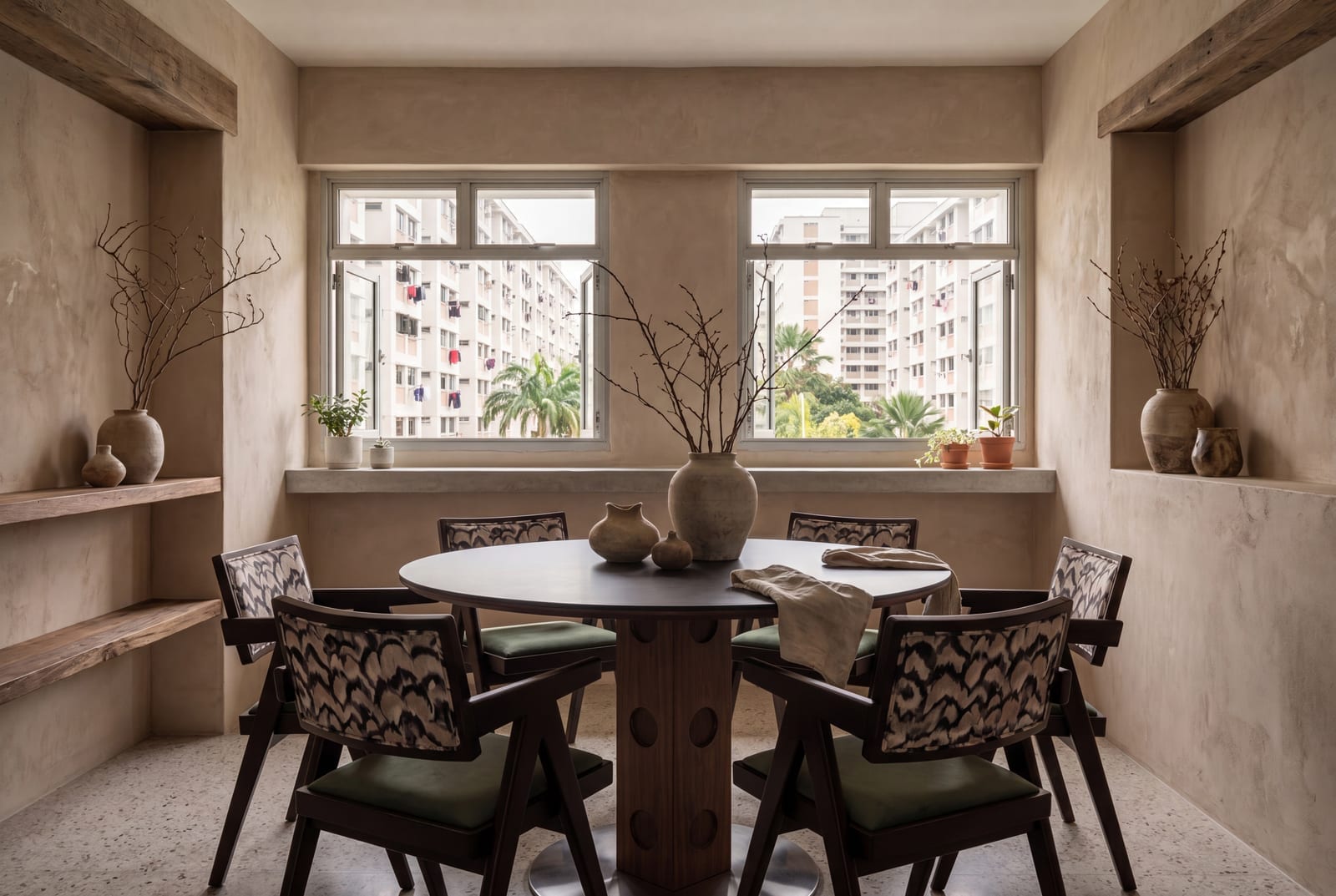
Buying furniture online asks you to trust two things you can't check in person: that a piece will fit, and that it will look right with everything else. Those are different questions, and no single tool answers both well. Painter's tape tells you about fit. A phone AR app tells you about scale in your own room. An AI room visualiser tells you about the look. Here's an honest comparison of the three, including what our own visualiser does and doesn't do.
Method 1: Painter's tape and cardboard
It's the least glamorous method and the most precise. Mark a piece's exact footprint on the floor and you'll know, rather than guess, whether it fits and how much room it leaves around it.
How to do it
- Take the real width, depth and height from the product page, in centimetres.
- Mark the footprint on the floor with low-tack painter's tape. For a round table, tie a string to a pencil at half the diameter and use it like a compass to place tape marks around the edge.
- For anything tall, such as a cabinet, a headboard or a sofa back, stack cardboard boxes to its height so you can see how it sits against a window, a switch or a power point.
- Live with it for a day or two. Walk your usual routes, open every nearby door and drawer, and sit where you'd sit.
Best for: exact footprint, walkways and clearances, which are the things that make a room work day to day. Not good for: colour, material, style or how pieces look together. A rectangle of tape won't tell you whether walnut works with your floor.
Tape is especially useful when you're choosing between sizes. If you're deciding between the 80, 90 and 100 cm versions of a round table like our Aeris coffee table, tape all three circles at once. The difference is easier to feel on the floor than to picture from a number.
Method 2: Phone AR apps
Augmented reality (AR) apps use your phone's camera to place a 3D model of a piece in your actual room, at roughly its real size. Several furniture retailers and home apps offer it, and the experience varies a lot between them.
Best for: a quick sense of scale in your own room, with your own light and your own walls. It's good at answering "does this sofa overwhelm the space?" for a single piece.
Where it falls short: quality depends on the app, the 3D model and your phone. Models can drift or float, especially on plain floors or in dim light. Colours and textures rarely look like the real material. And you can only place pieces that exist as 3D models in that app, so building a whole room of sofa, coffee table, console and chair is usually fiddly.
Treat AR as a gut check on scale, not a measurement. Confirm anything tight with a tape measure.
Method 3: AI room visualisers
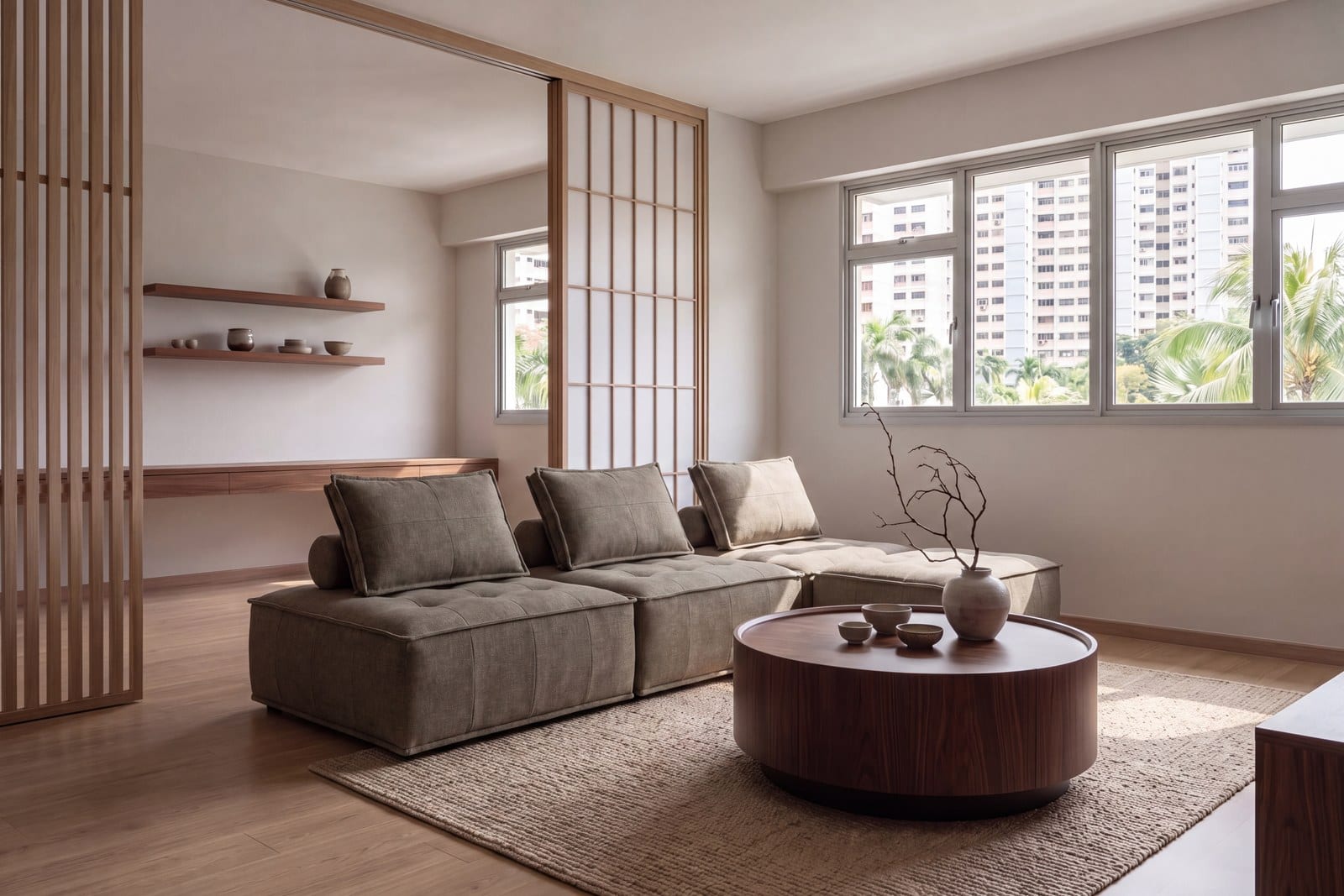
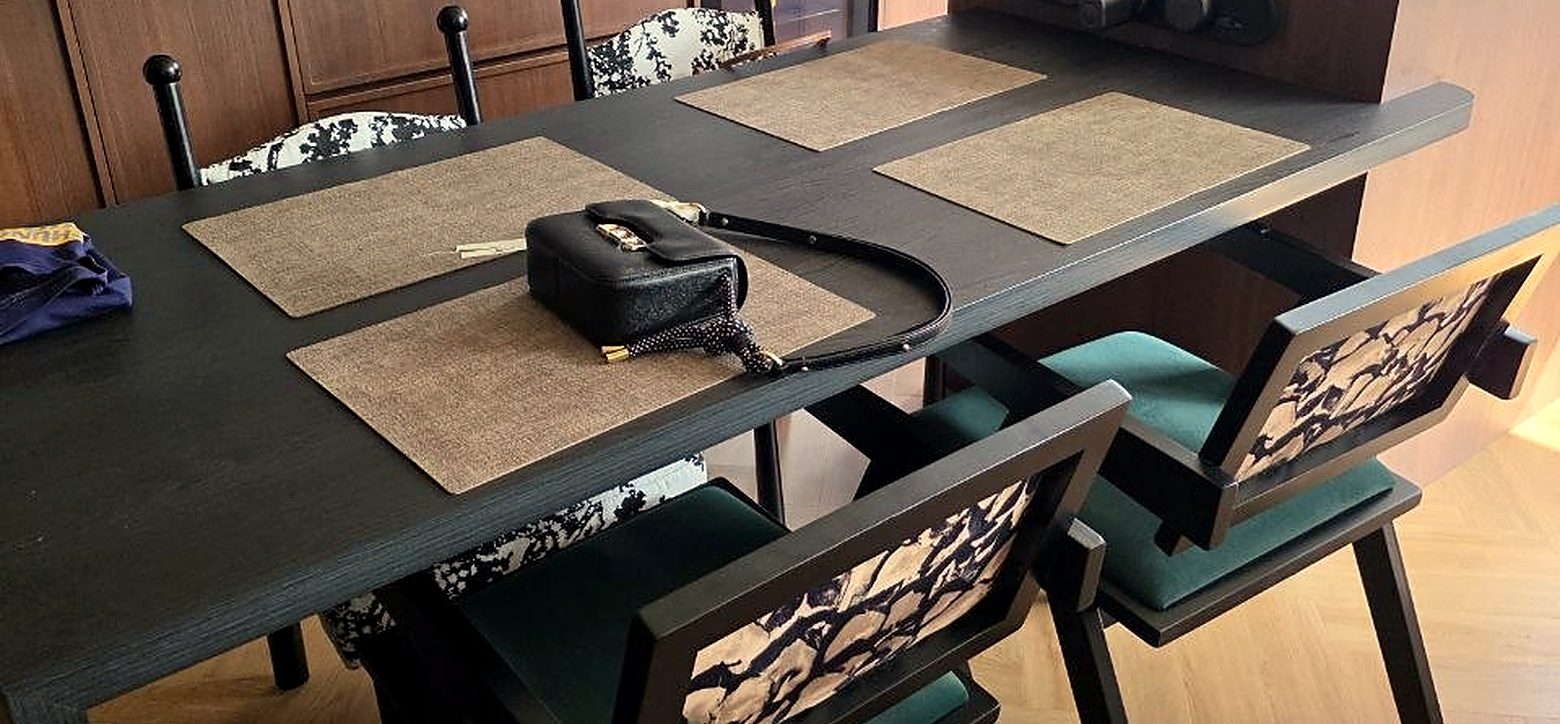
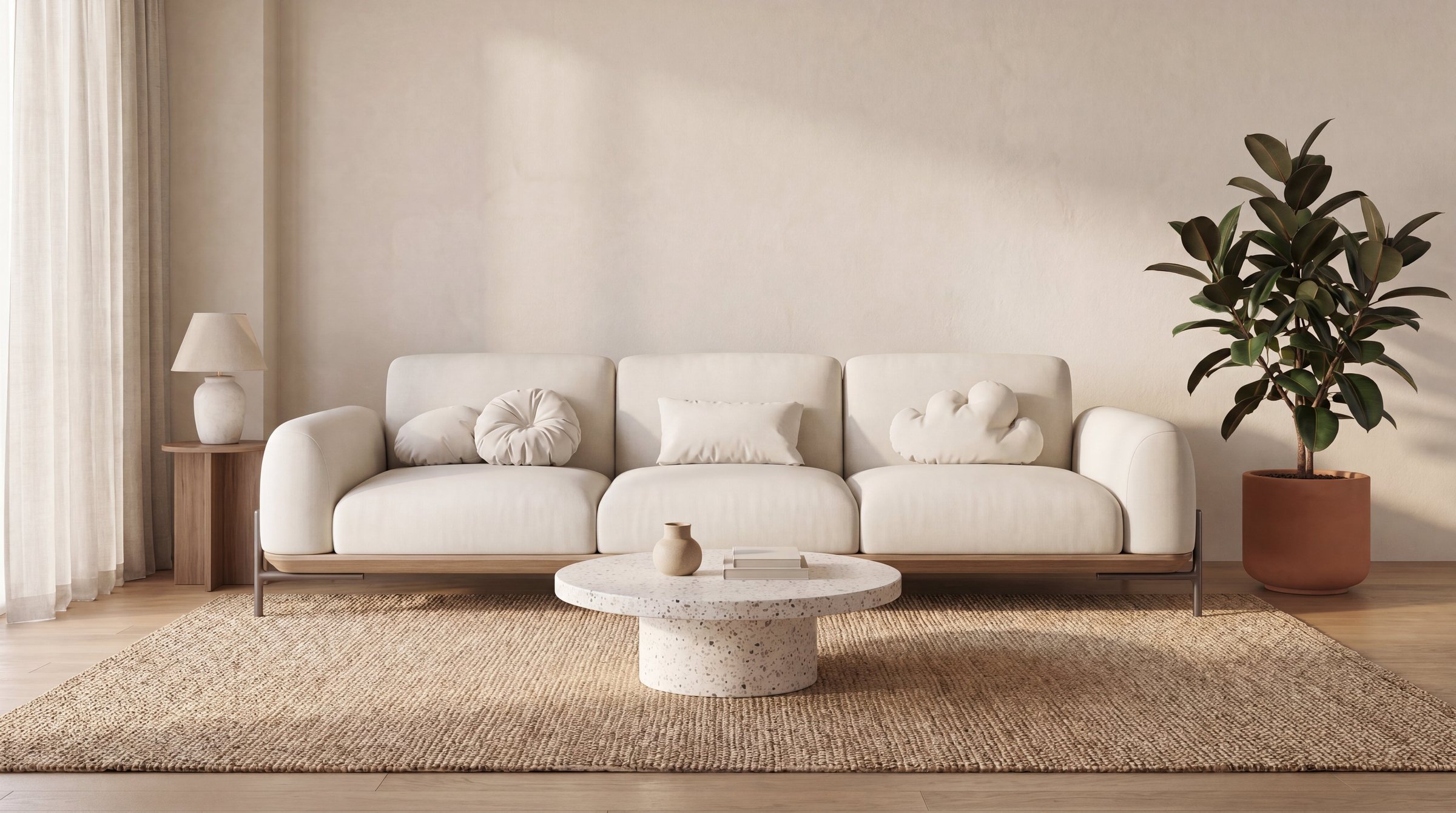
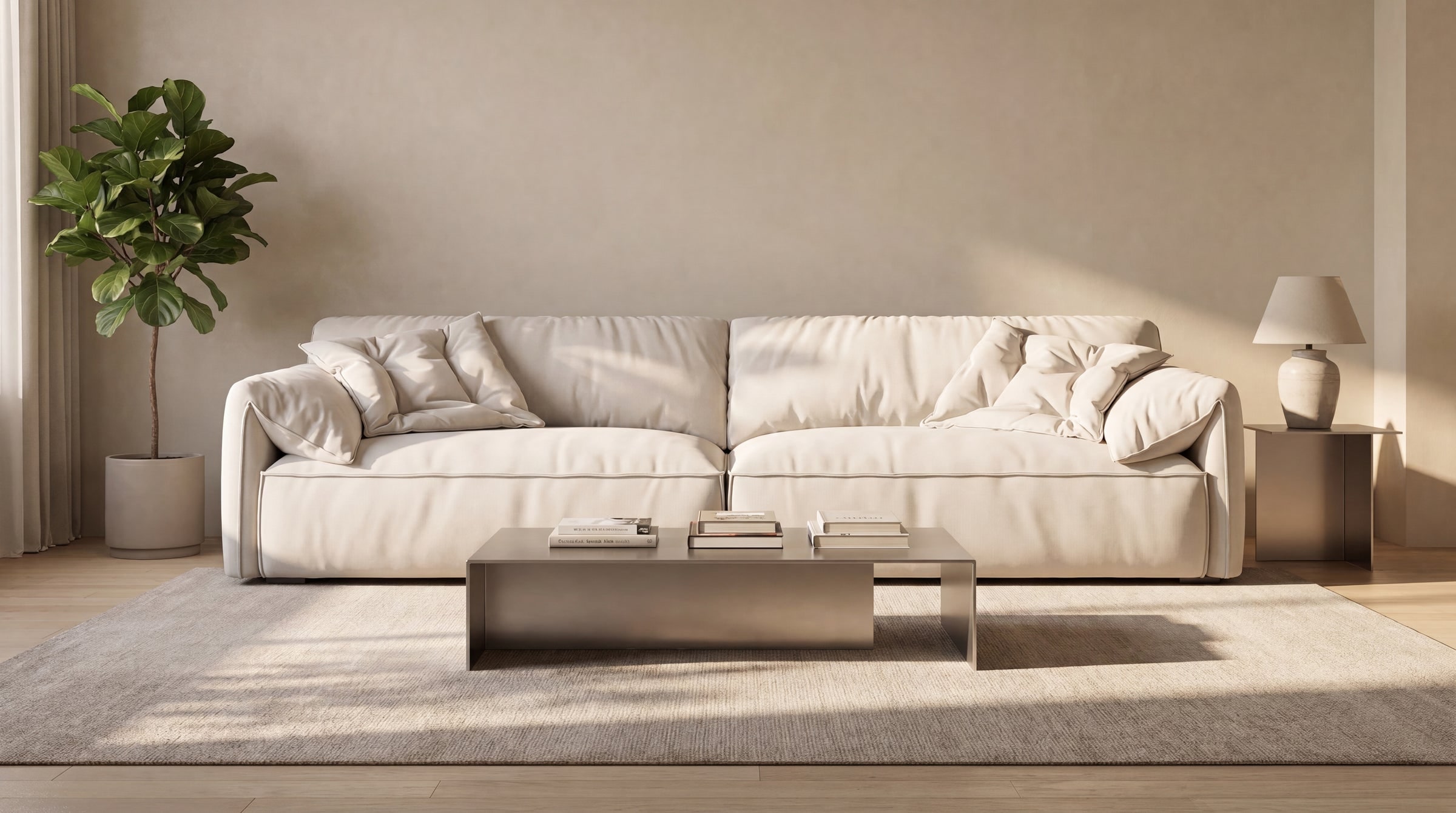
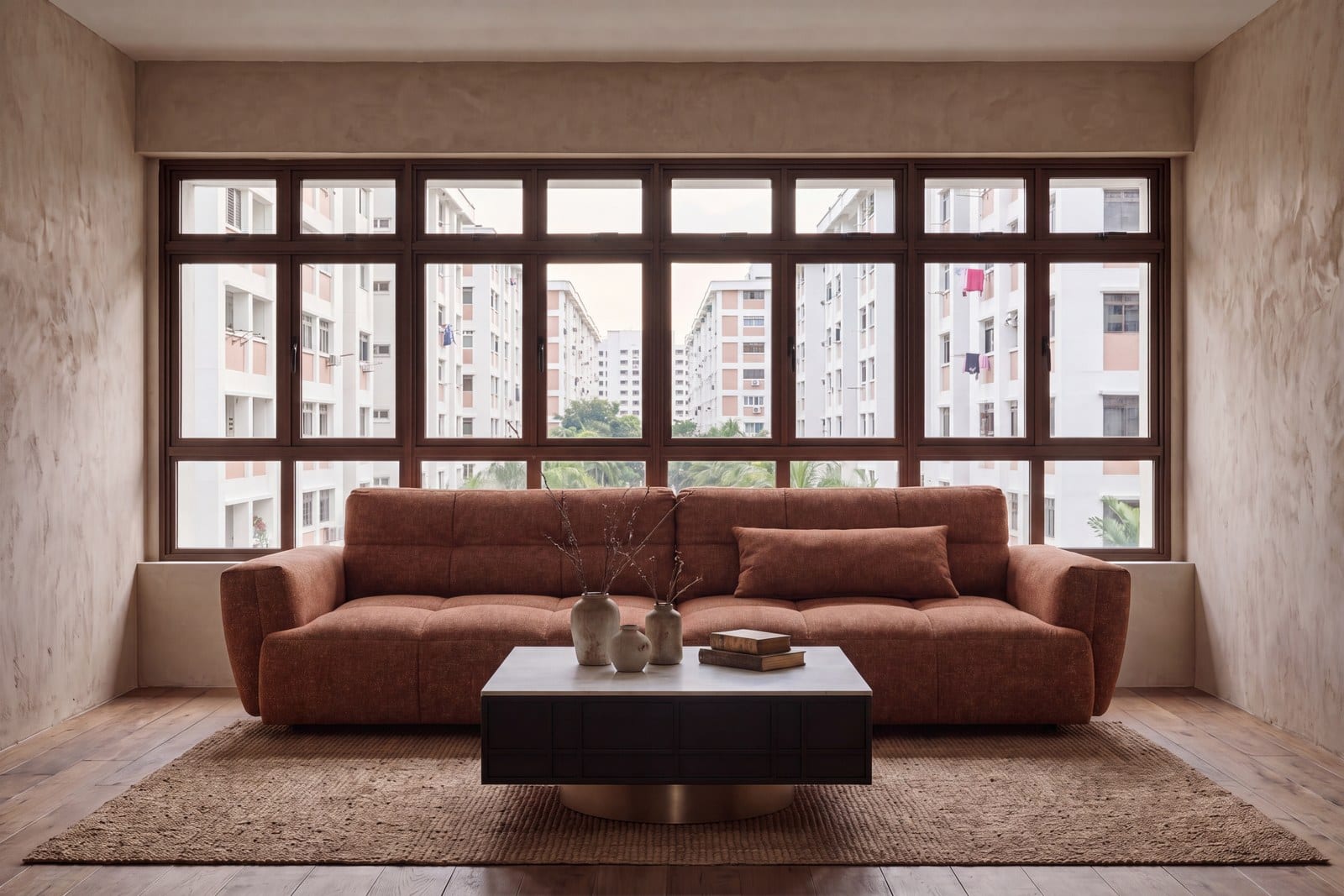
AI room visualisers generate an image of a furnished room from your choices. They're the quickest way to see how several pieces look together, with colours, materials and proportions side by side, in a styled setting.
How Vella's room visualiser works
Our room visualiser is free to use. It works in four steps:
- Pick a room: living room, dining room or master bedroom.
- Pick a style theme: Japandi, Scandinavian, Wabi-Sabi, Mid-century Modern, Industrial or Modern Lux.
- Choose a Vella piece for each slot. In the living room that's a sofa, coffee table, TV console and lounge chair. The dining room takes a dining table, dining chairs and an accent cabinet; the master bedroom, a bed frame and bedside table.
- See the render. The visualiser generates an AI-styled image of an HDB-style room furnished with your picks.
What it doesn't do
It's worth being clear about the limits. The visualiser doesn't use a photo of your room, so the setting is a styled HDB-style room rather than your own flat. It also isn't a to-scale planning tool. The render shows how pieces look together, not whether they'll fit your walls to the centimetre. For that, use the dimensions on each product page and the tape method above.
Best for: settling the look before you spend time measuring, such as whether a leather sofa works with a stone coffee table, or how a walnut console reads in a Japandi room. Not good for: exact fit in your own space.
Tape vs AR vs AI visualiser at a glance
| Painter's tape | Phone AR app | AI room visualiser | |
|---|---|---|---|
| Answers | Will it fit? | How big will it feel here? | Will it look right together? |
| Shows your own room | Yes | Yes, through your camera | No, a styled room (HDB-style in Vella's) |
| To scale | Yes, if you measure carefully | Roughly | No, it isn't a planning tool |
| Colour and material | No | Approximate | An AI-styled impression of the actual pieces |
| Several pieces at once | Footprints only | Usually fiddly | Yes, a whole room |
| Cost | A roll of tape | Varies by app | Free (Vella's) |
How to combine them before you buy
Because each method covers a gap the others leave, the most reliable approach is to use them in order:
- Settle the look first. Try pairings in the room visualiser until the set feels right. It's free, so there's no cost to experimenting.
- Check the fit with tape. Take the real dimensions from each product page and mark the footprints on your floor. Our furniture clearance guide for HDB flats has the walkway widths to check against.
- Use AR for a gut check on a single big piece, like a sofa or bed, if an app has a model of a similar size.
- Measure the way in. Lift, corridor, front door and any tight turn. Our guide to HDB lift measurements walks through what to measure.
- Ask if anything is borderline. If a piece is within a few centimetres on any measurement, message us before ordering, or book a free consultation.
Why it's worth the extra hour
Our pieces are built to order and come direct from the factory, so it's typically 30–35 business days from order to doorstep, where our team delivers and installs them. A wait like that is easier when you're sure of what's coming. An hour with a visualiser and a roll of tape is time well spent on a piece you'll live with for years.
Visualising furniture: common questions
- How can I see furniture in my room before buying?
- Mark its footprint on the floor with painter's tape to check fit, or use a phone AR app to see its scale through your camera. A room visualiser is better for seeing how pieces look together.
- Does Vella's room visualiser use a photo of my room?
- No. It renders the Vella pieces you choose in a styled HDB-style room, so it shows how they look together rather than in your exact space.
- Is the room visualiser to scale?
- No. It's for seeing how pieces look together, not for precise planning, so check fit with the dimensions on each product page.
- Is Vella's room visualiser free?
- Yes. Pick a room, a style theme and pieces from our range to see a render.
- Which rooms can I try in the visualiser?
- The living room, dining room and master bedroom, each in six style themes.
- What's the most accurate way to plan a furniture layout?
- Measure the room, tape each piece's real footprint on the floor and walk around it. Then check the lift and doorways before you order.